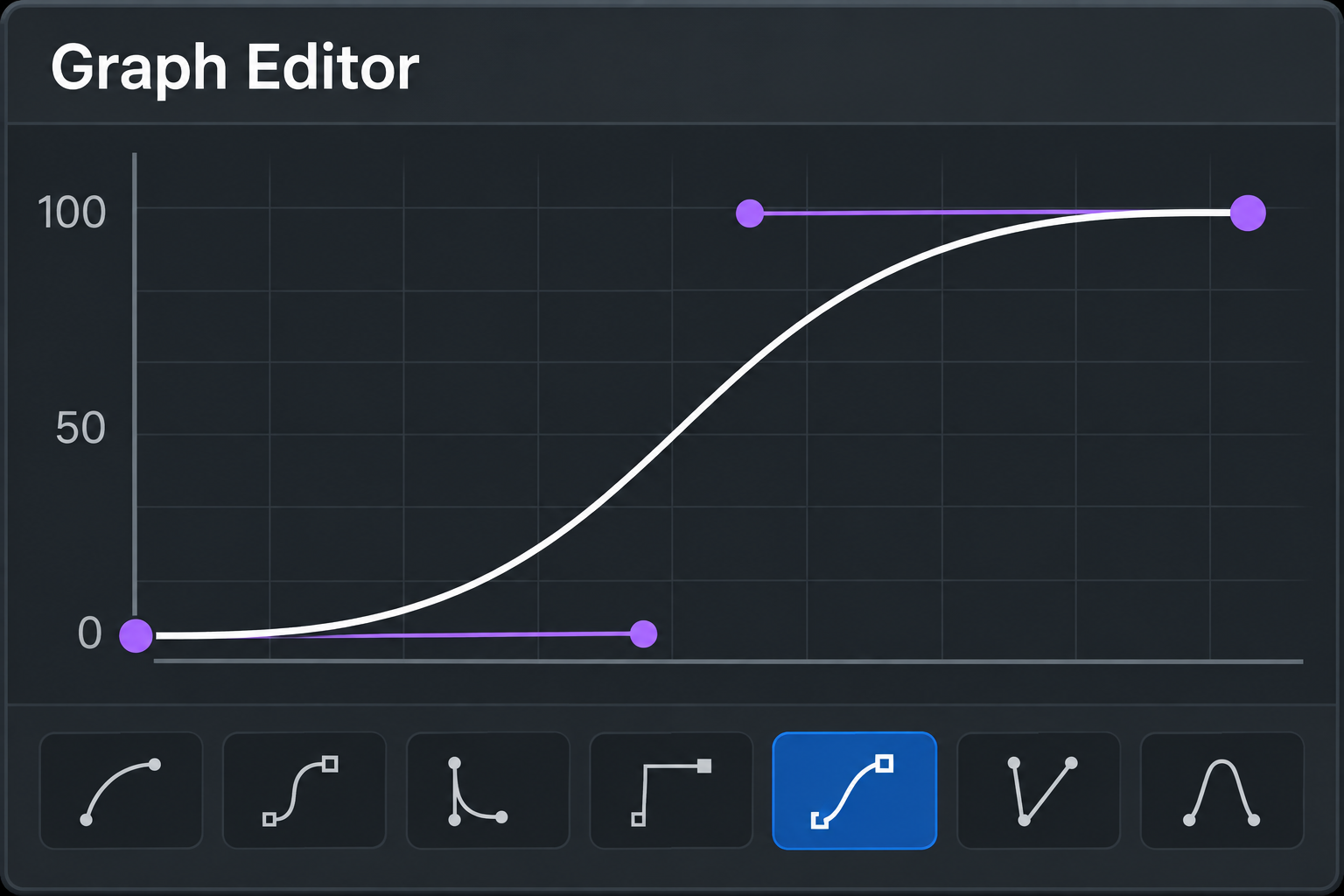
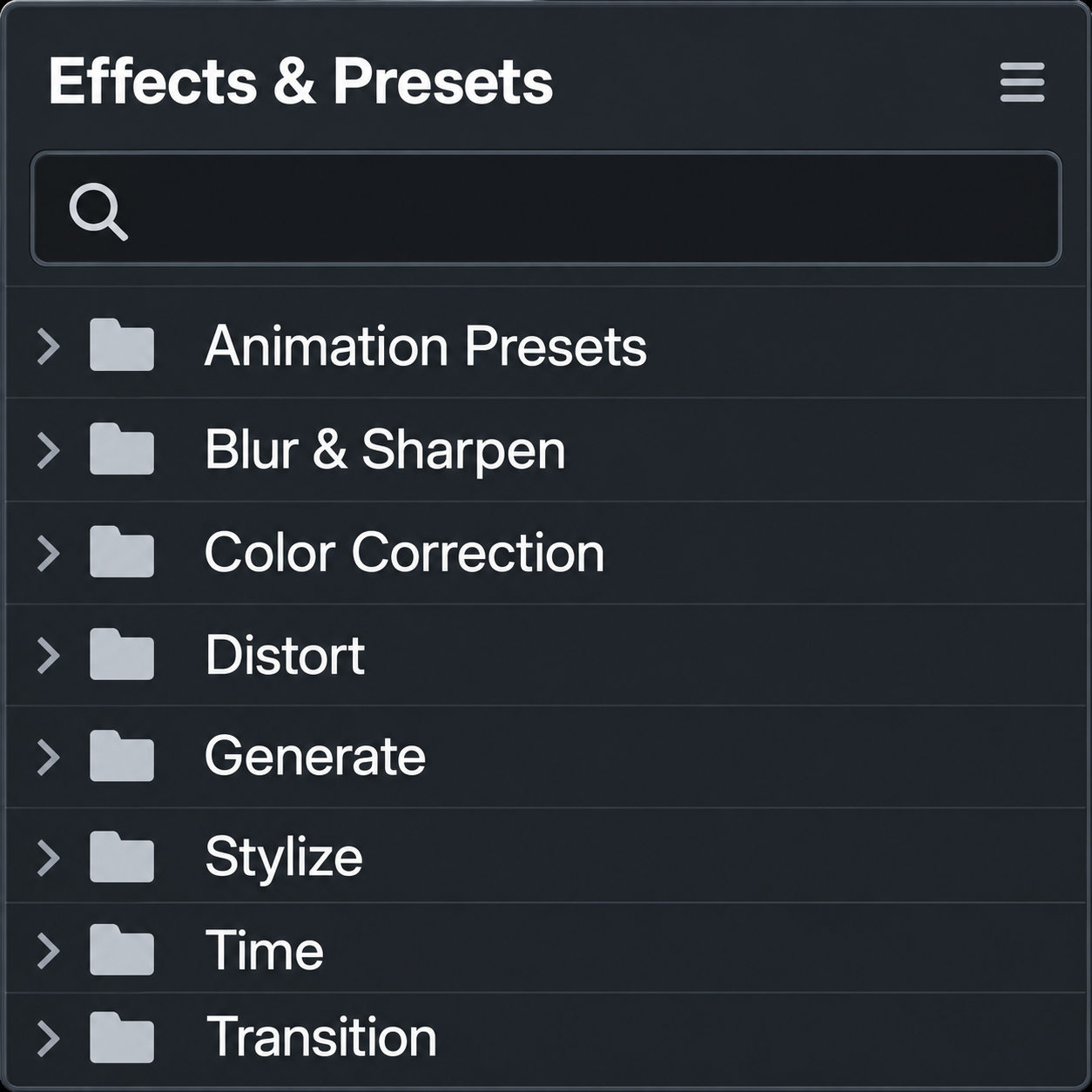
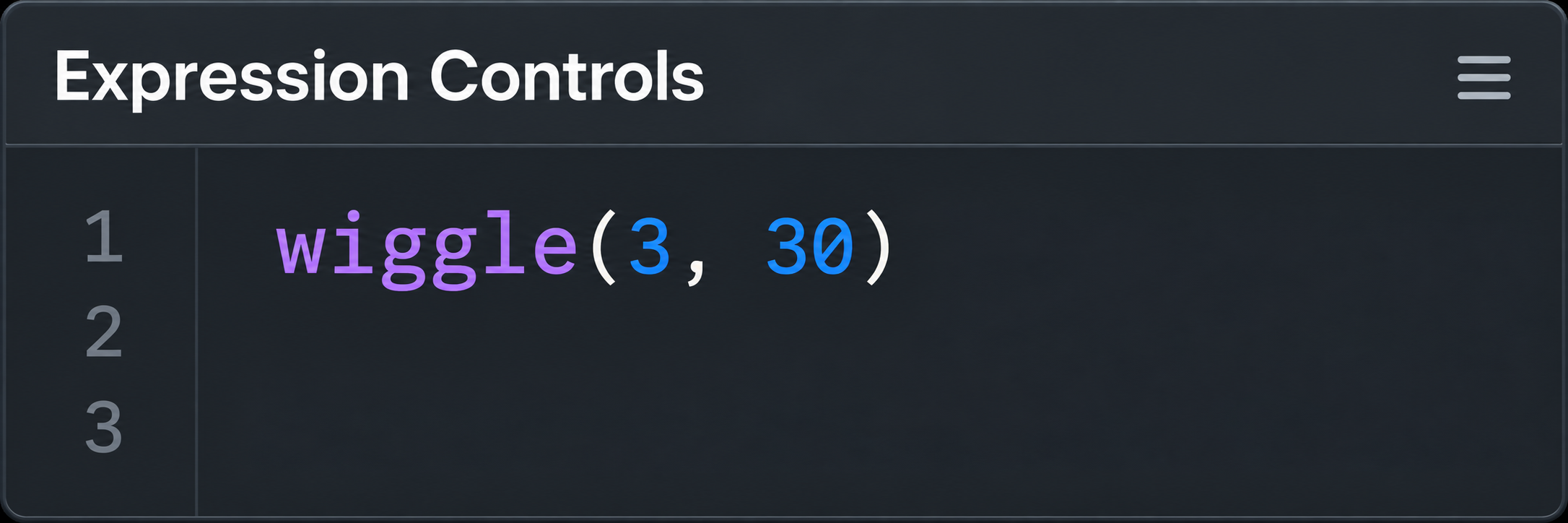

Less clicking.
More creating.
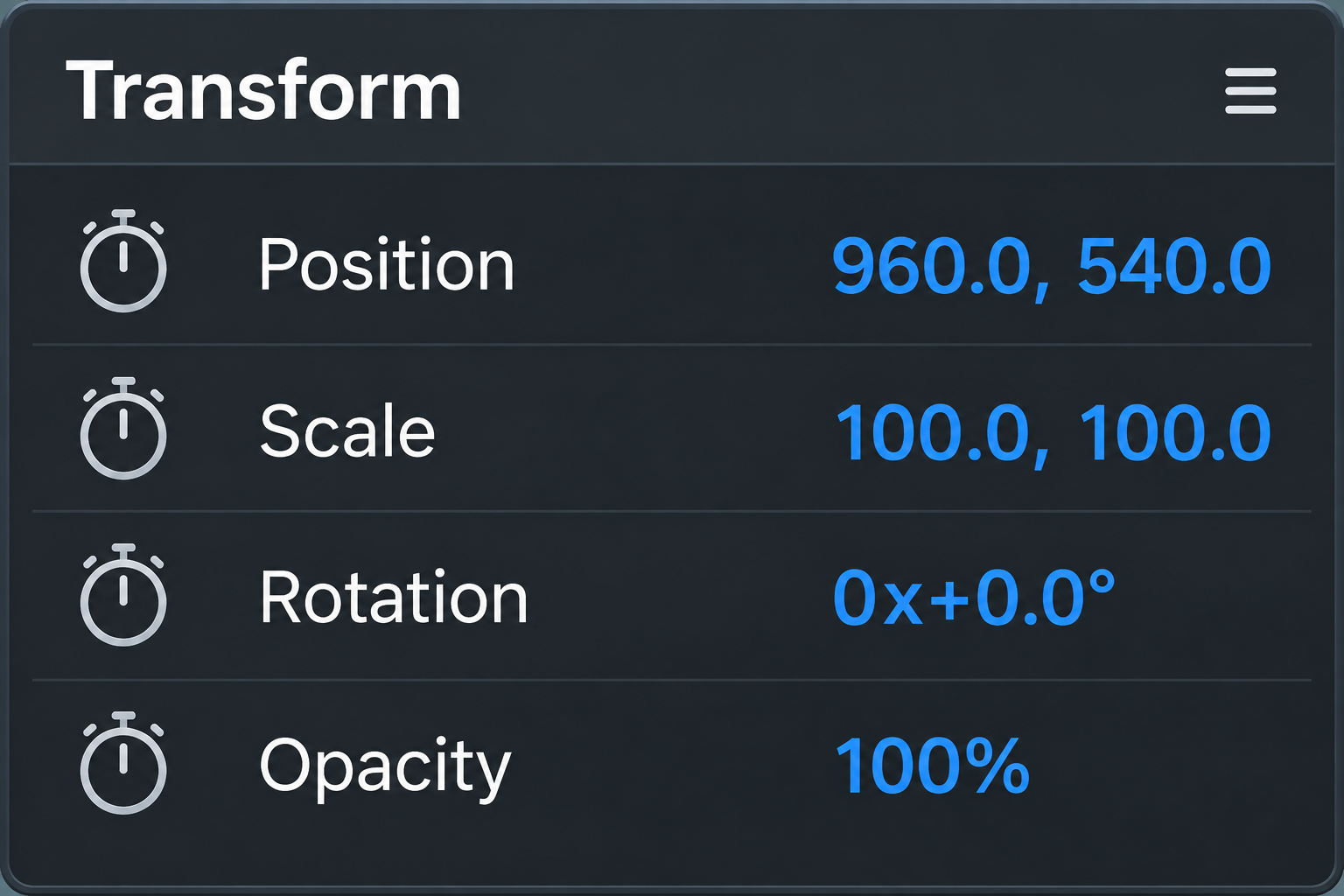
Bring timing and text controls into one panel. Spend less time repeating the same setup in After Effects.
 KeyHole.Store
ADOBE AFTER EFFECTS TOOLKIT 001
Less setup. More motion.
A motion toolkit for Adobe After Effects.
01 / UNLOCK YOUR NEXT IDEA
A toolkit for Adobe After Effects.
Shape the timing. Animate the type.
Make it feel like your work.

KEYHOLE ANIMATION / ONE-TIME PURCHASE
Development notes and release details are shared as KeyHole takes shape.
02 / IN AFTER EFFECTS
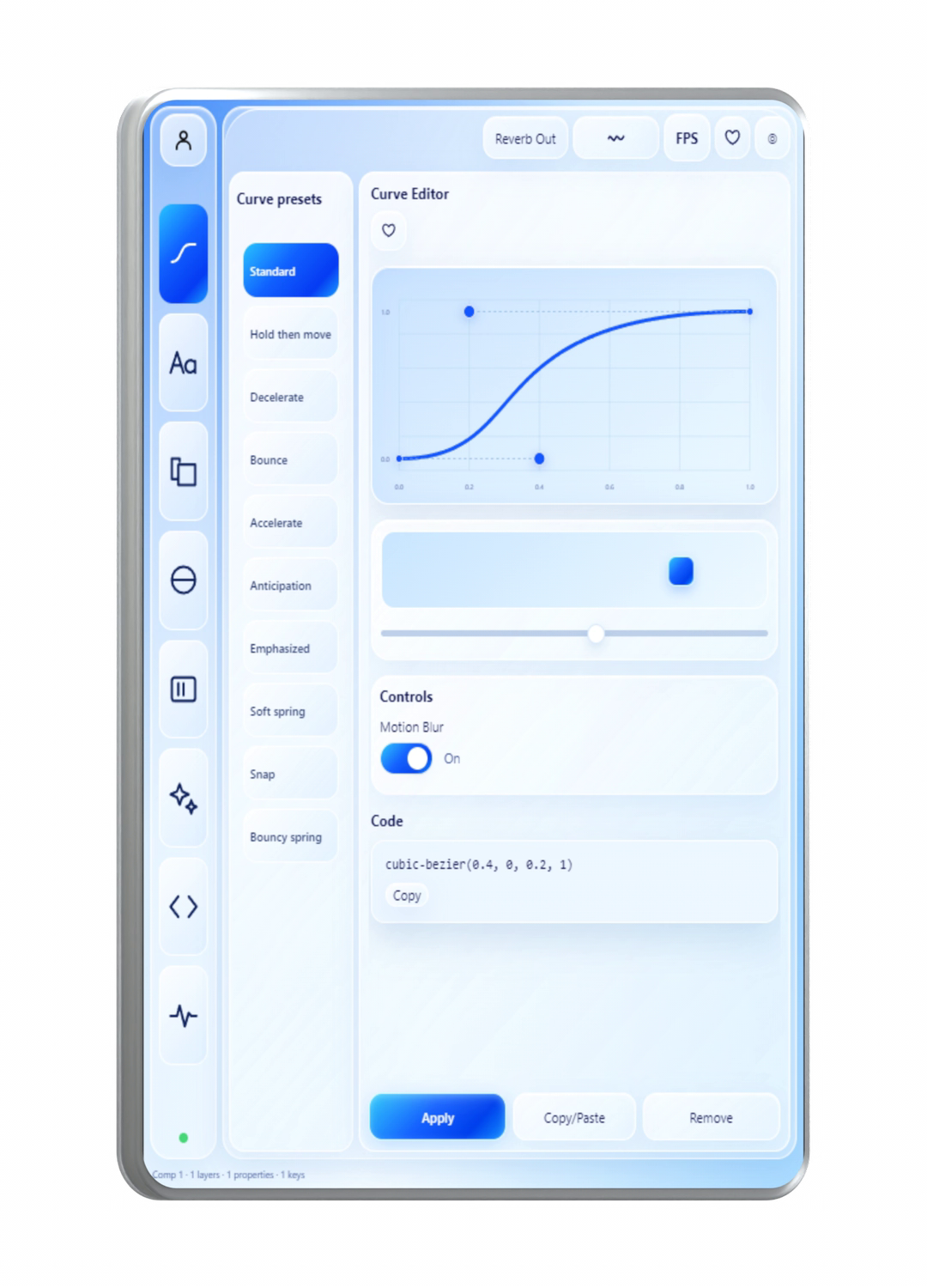
The panel. Your composition. The whole workflow.
Watch the full walkthrough in After Effects.
 $18 valuePRINT & MATTER / 12 MATERIALS / $18 PACK INCLUDED
03 / A LITTLE EXTRA
12 editable material effects for text and logos. Ink, foil, holographic surfaces and more — each with its own eight-second animation. $18 separately, included with KeyHole.
AE project + launcher · 12 materials · Commercial license.
No extra paid effects.
INSIDE PRINT & MATTER
All twelve materials. Real renders from the pack.
04 / TRY THE PANEL
Explore the actual controls in your browser.
Choose a preset, adjust it and watch the preview move.
A hands-on browser look at the panel. Finished effects render in After Effects, and the presets are still being refined.
05 / FROM THE TIMELINE
Reviews appear here after moderation.
06 / MADE CLOSE TO THE WORK
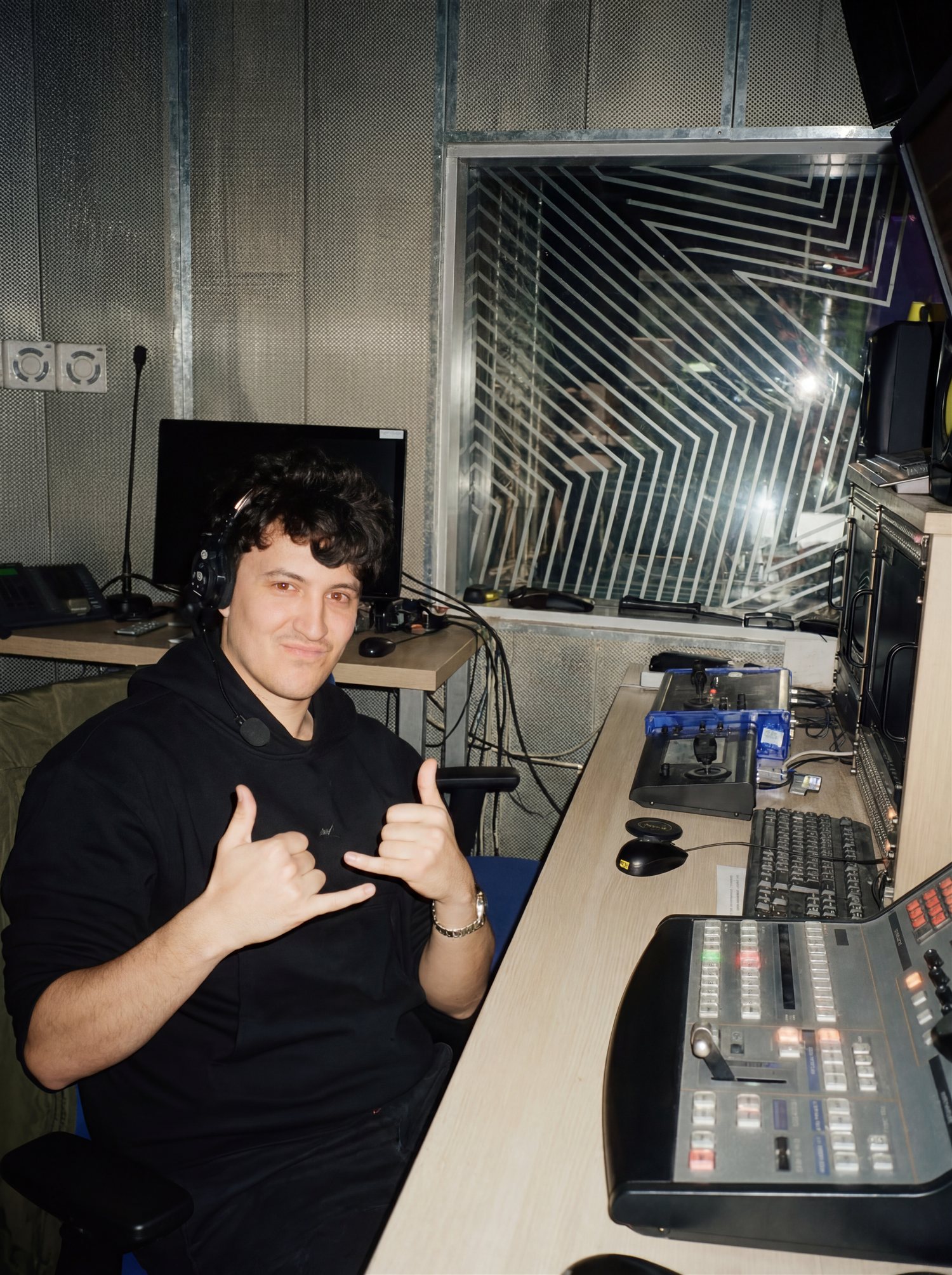
I picked up a camera six years ago and kept exploring video, photography, identity and sound. Today I work directly with founders and small teams, often solo and sometimes with trusted collaborators.
The rhythm between cuts, the texture of an image, a pause in typography: those details shape my work. I started KeyHole in August 2026 to give that same attention to the tools I use.
See the work behind the toolBring timing and text controls into one panel. Spend less time repeating the same setup in After Effects.
Adjust the easing and duration until the motion fits your edit. Keep control over the way it moves.
I build KeyHole alongside my own projects. If something slows you down, tell me — it helps shape what comes next.
Send a feature idea07 / DEVELOPMENT NOTES
Built since August 2026.
A small, honest record of the work.
The first KeyHole panel: easing and text animation beside the composition.
Glass surfaces and carousel tools joined the motion toolkit.
KeyHole Animation 0.1.15 is available for macOS and Windows, with Alive animation tools and the included material pack.
Animated cursor presets are planned for November. More motion presets will follow.
08 / BEFORE YOU BEGIN
Still wondering about something?
A motion toolkit for Adobe After Effects, with controls for timing and text beside your composition. After Effects is required and is not included.
KeyHole Animation and Print & Matter, an $18 standalone pack included at no extra charge. The pack includes 12 editable material effects for text and logos, an After Effects project and a launcher script.
No. The advertised $67 price is a one-time purchase. The personal license does not expire and activates on one machine.
KeyHole Animation 0.1.15 is available for macOS (Intel and Apple Silicon) and Windows x64. Use After Effects 2026. Ask us before purchasing if you use an earlier After Effects version.
Yes. You can use finished work in personal projects, client work and paid campaigns. You may not resell or share the plugin or the included source assets.
Yes. Use the controls provided by each tool to refine the result. Available controls vary by tool; the walkthrough will show the exact workflow.
After payment you receive private links to the Mac and Windows installers and an email with your license key. Extract the ZIP, run its installer, restart After Effects, then open Window → Extensions → KeyHole Animation and enter your key.
Follow the development notes for progress. For installation questions, a bug report or a feature idea, use the contact form or email Daniil directly.
09 / SAY HELLO
A question, an idea, a stubborn keyframe.
I'm listening.
YOUR NEXT KEYFRAME
KEYHOLE ANIMATION / ONE-TIME PURCHASE